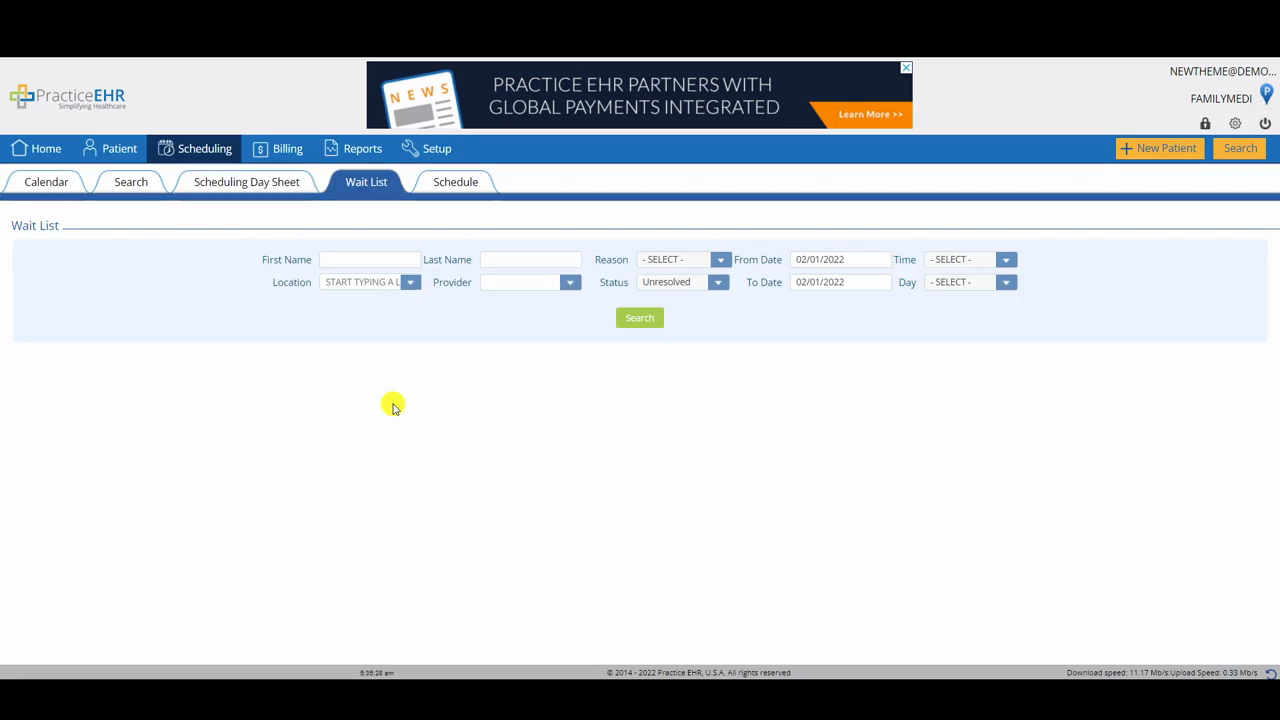
Wait List
 Updated on June 10, 2026 | 05:28 PM – CST
The Wait List works alongside the patient portal.
When a patient requests an appointment from their portal, that request lands in this tab, so staff should check it throughout the day to keep requests from piling up.
Leave the filters open or blank before clicking Search. When a request appears, match it to an open slot on the calendar and select Book from Wait List. The system shows the available requests, you pick the patient, and the appointment moves onto the Master Calendar while the patient drops off the wait list. Their portal status changes to Scheduled and the visit shows up as their next appointment on the portal dashboard.
The status rules are where it gets specific. If a patient calls and you book them straight on the calendar, you'd use Book Appointment instead of Book from Wait List, and the only way to clear them from the wait list then is to set the status to Resolved Manually.
If the patient shows up in person and can be seen, front desk staff can switch the wait list status in the Visit Detail window to System Booked and start the visit with the Walk In/Check In button. Once System Booked is set, there's no reversing it.
