Provider & Appointment Status
 Updated on June 10, 2026 | 03:51 PM – CST
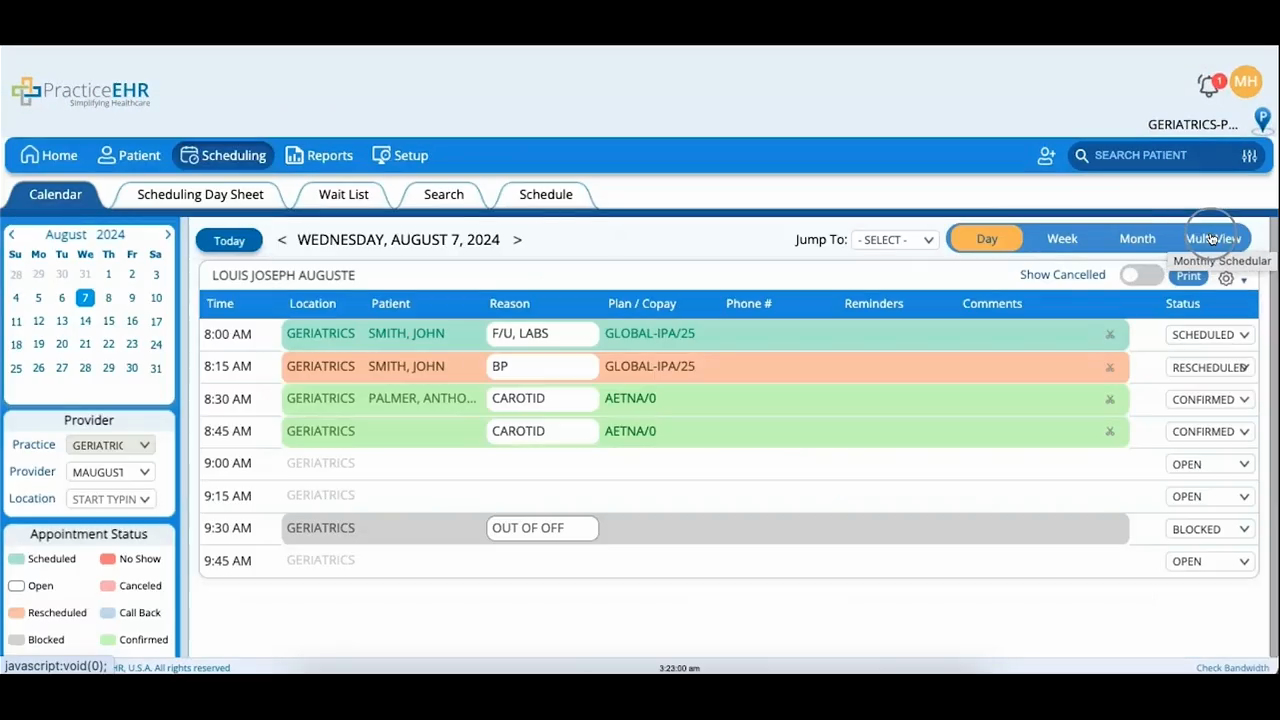
A look at how the Calendar tab uses provider, location, and color to show what's happening with each appointment.
Choose a provider and location, and the day's slots populate. The color tells you the status: gray is a slot the user or provider has blocked, light green is scheduled, light pink is canceled, and a plain, unshaded slot is open and bookable.
The provider's daily schedule below lists the appointments for that date and provider, and those same colors carry through so you can read the state of every slot without opening it.
