Patient Tabs, Patient Info & Alerts
 Updated on June 10, 2026 | 12:18 PM – CST
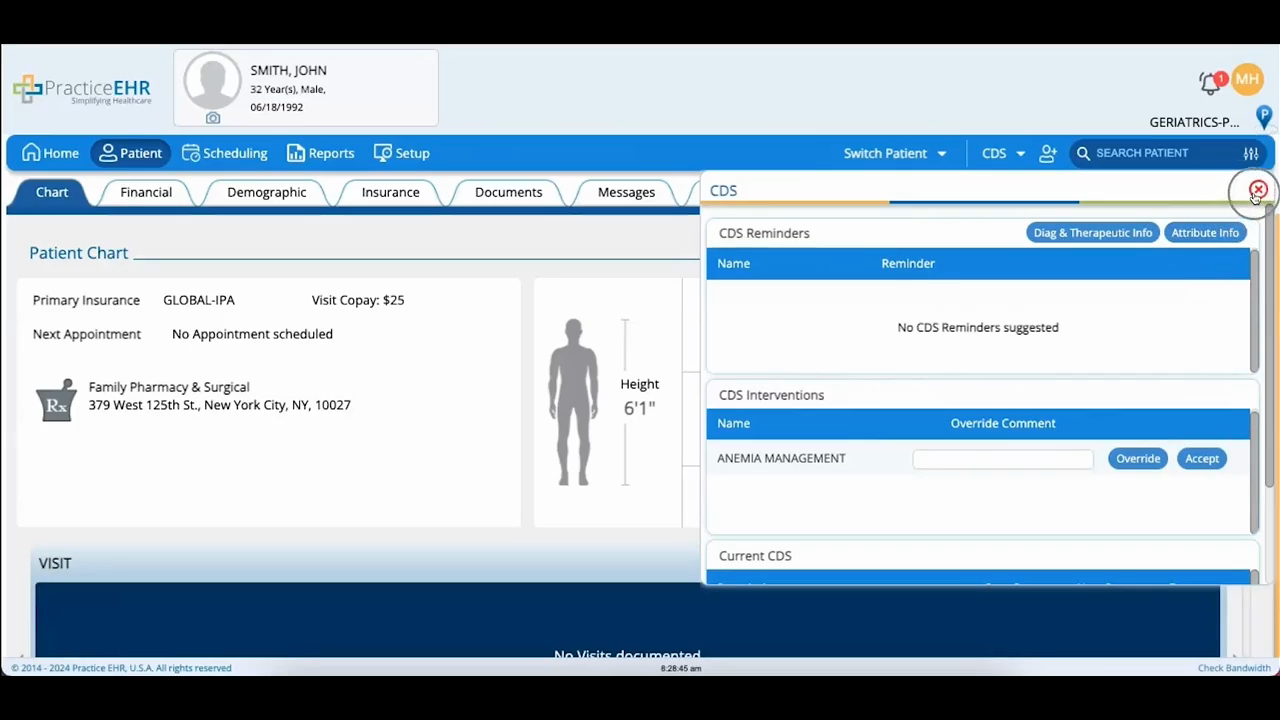
An overview of the patient module and how it's organized. The video runs through the tabs along the top (chart, financial, demographic, insurance, documents, messages, lab, and medication), which a practice can customize by specialty.
It then covers the panels that save you a click: primary and secondary insurance with copay amounts, the next scheduled appointment, the patient's nearest pharmacy, BMI with height and weight, the latest blood pressure reading from the last visit, and smoking status, which updates once a visit is signed off.
Last, it shows the Alerts tab for clinical and financial alerts, opened from the alert icon at the top right. Each tab gets its own detailed walkthrough in later videos.
