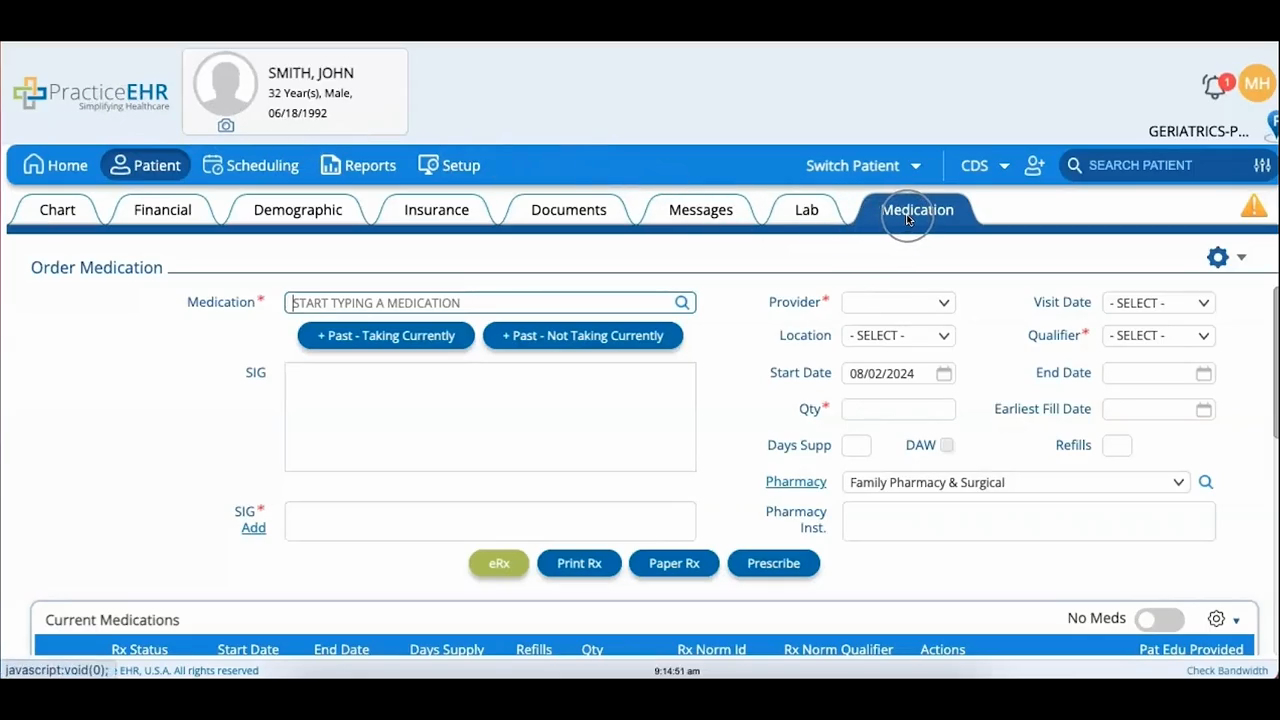
Order Medication
 Updated on June 10, 2026 | 03:10 PM – CST
A walkthrough of the Medication tab in the patient module, used to order prescriptions and review what a patient is currently on.
The blue gear icon in the top-right corner is where most of the extra actions live. History shows medications added through Practice EHR, while Online Rx History pulls in prescriptions filled outside the practice, which needs the Drug History Consent box ticked in the Demographic tab and then Get Patient Eligibility to load it. That same eligibility option also runs a standalone check.
Patient Education prints safe-use information for a drug you've selected, and Drug Extra Info lets you add notes to one.
