New Patient, Search Patient & Left Menu
 Updated on June 10, 2026 | 09:19 AM – CST
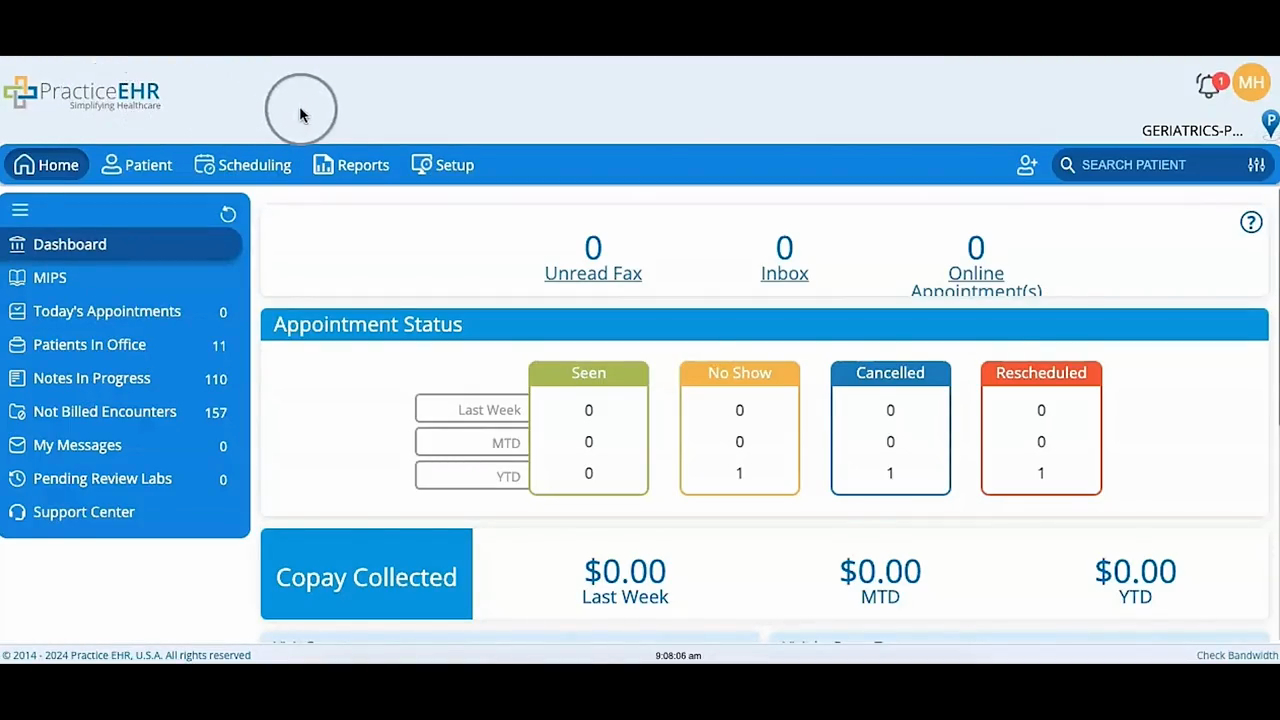
How to add and find patients from the home screen. The video shows where the new patient icon sits and what happens when you click it to enter patient details.
It also covers the search bar for pulling up an existing patient's records, and the dashboard menu on the left: MIPS, Today's Appointments, Patients in Office, Notes in Progress, Not Billed Encounters, My Messages, Pending Review Labs, and Support Center.
