Menu Role, Practice & Audit Log
 Updated on June 10, 2026 | 07:43 PM – CST
This part of the Administration section covers three buckets: Menu Role, Practice, and Audit Log.
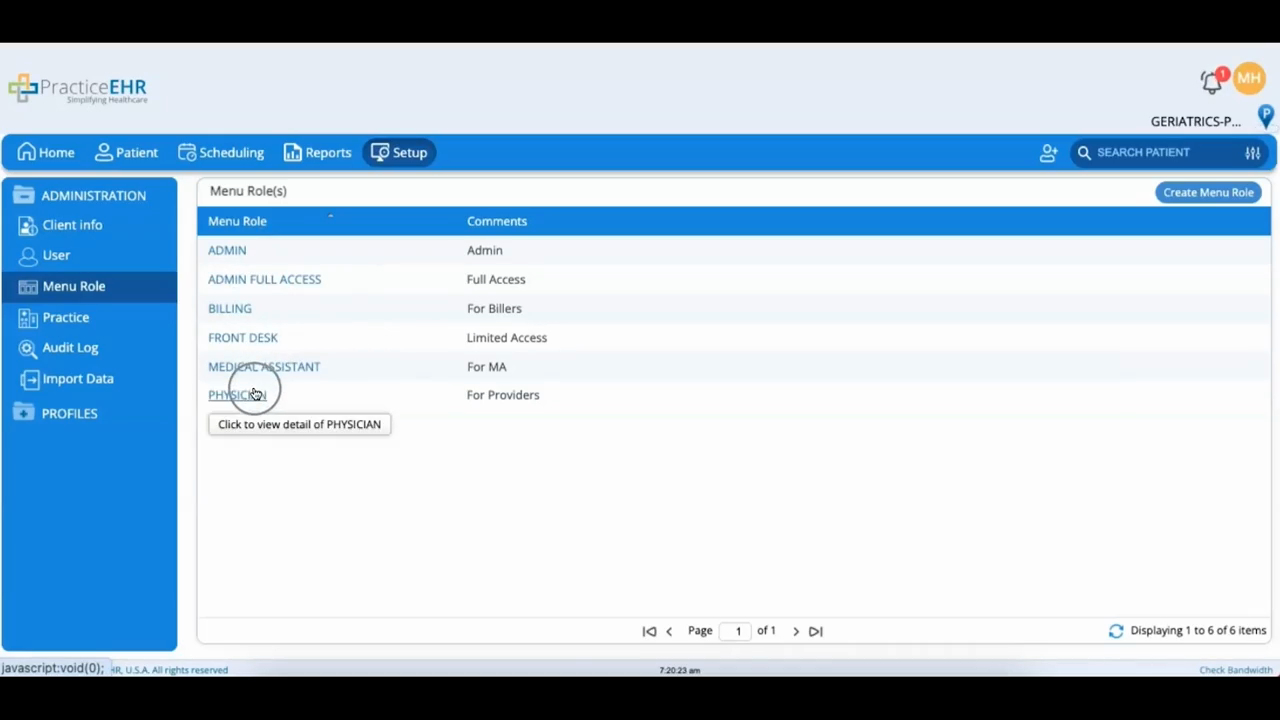
Menu Role is where access is actually defined. Every user gets a menu role that matches what they're meant to do, and PracticeEHR ships with five common ones: admin full access, billing, front desk, medical assistant, and physician. Open any role to adjust what it can reach, which is how you fine-tune permissions beyond the defaults.
The Practice bucket holds your providers, resources, and locations, split across three tabs of the same names; each tab lets you edit existing entries or add new ones.
The Audit Log bucket is the system's activity record. It has two views: User Audit, for tracking what a single user has done, and Audit Trail, for looking at activity by area of the system. Between them, you can answer either question: who did this, or what's been happening in this part of the software.
