Documents
 Updated on June 10, 2026 | 02:29 PM – CST
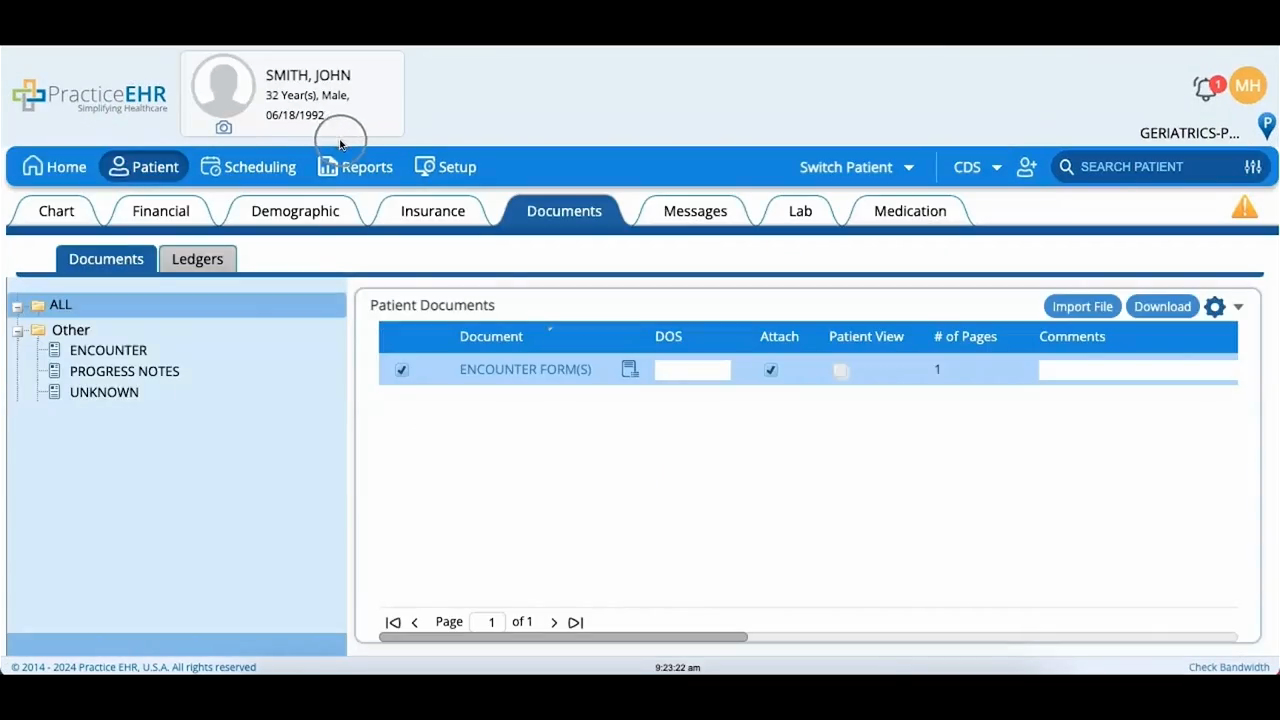
A walkthrough of the Documents tab, where every patient document ends up, whether it arrived by fax, scan, or import.
Documents are filed by type, so clicking a type or category on the left pulls up everything under it. Open a document through its hyperlink and it loads in the viewer, where you can edit it, add notes, and print.
The video also points out the Patient View checkbox, which shares a document to the patient's portal, and the comments section for leaving notes on any individual document.
