Dashboard Navigation
 Updated on June 10, 2026 | 08:49 AM – CST
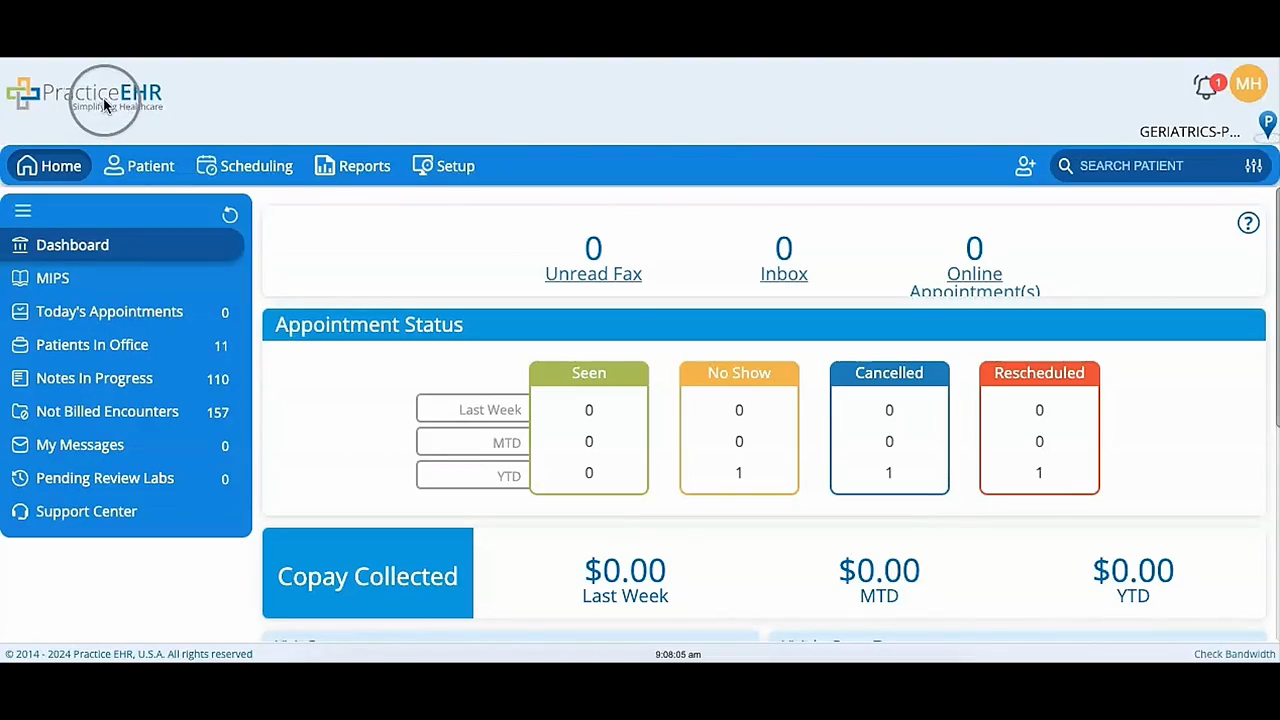
Get oriented with the Practice EHR home screen, the first thing you'll see after signing in.
This video walks you through the key navigation tools: the notification bell and profile icon in the top-right corner (where you'll find screen lock, help center, settings, and log off), and the main menu running along the left side.
You'll learn how to move between the core areas of the software—Home, Patient, Scheduling, Reports, and Setup—so you can navigate confidently from day one.
