Client Info & User
 Updated on June 10, 2026 | 07:36 PM – CST
The Setup module is where you configure PracticeEHR to fit how your practice runs.
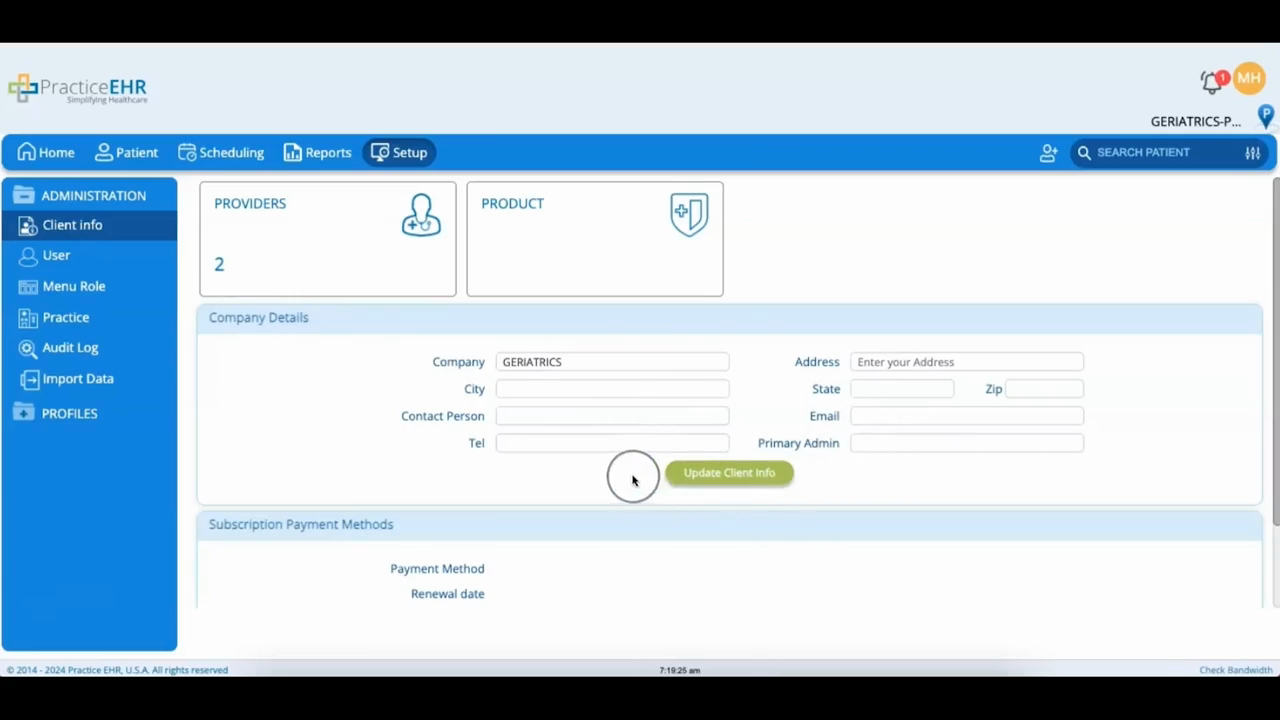
It has two parts: Administration and Profiles. This video covers Administration, which contains your practice settings and user access.
The first group is about your account itself. Client Info fills in when you sign up for a trial, and the Provider's Information area shows how many providers you have licensed for the EHR, PM, or RCM modules.
Company Details is where you edit your name, address, and contact info, and Payment Methods shows the billing details you entered at signup.
The part you'll actually work in day to day is the User bucket, where you add staff and control what they can see. Search for someone by name or email, then click their name to adjust their access.
To add someone, click Create User, fill in their details, give them a menu role, and set a provider and default location if it applies. From there, you can turn on roles and grant specific access before saving with Create/Update User.
The menu role is the piece that matters most. It's what decides which parts of the system each person can reach.
