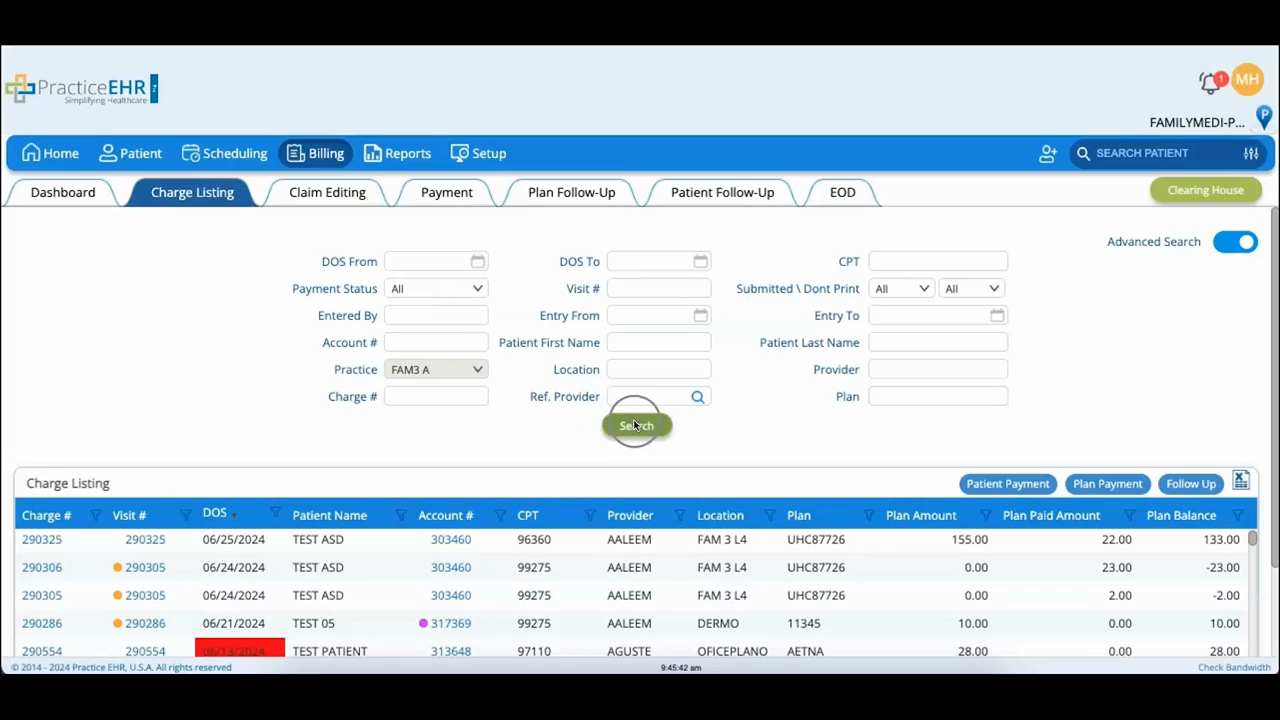
Charge Listing, Plan Payment & Follow up
 Updated on June 10, 2026 | 05:51 PM – CST
The Charge Listing tab shows detailed information on every charge that's been billed.
Start with the search fields to filter the list by specific criteria, or turn on Advanced Search to look up charges by charge number, account number, patient name, location, or provider.
Click Search and the matching charges load at the bottom; click any charge number to open its details.
Two actions live in the top-left of the results: Plan Payment opens plan payment details so you can post a payment, and Follow Up lets you create a follow-up on a visit when one's needed.
