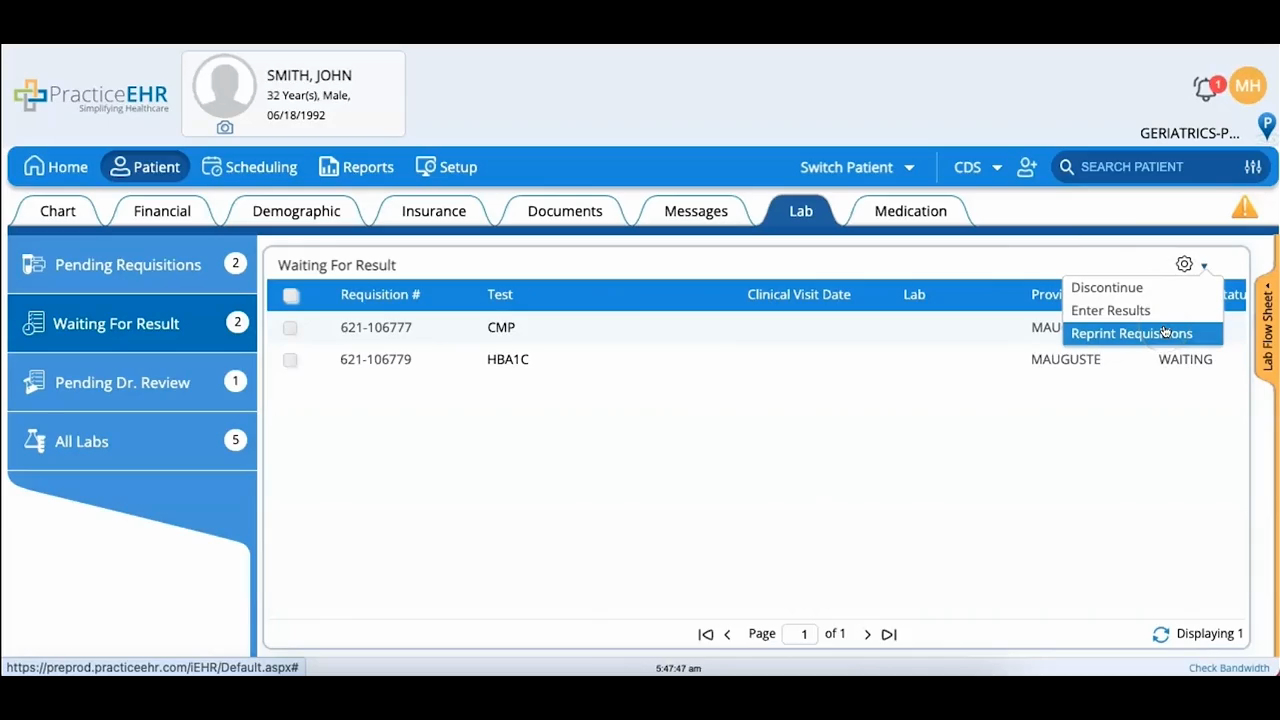
Waiting For Results, Pending Dr. Review & All Labs
 Updated on June 10, 2026 | 03:00 PM – CST
A look at what happens to a lab requisition after it's sent.
In Waiting for Result, the gear icon lets you discontinue a requisition, enter results that have come back, or reprint one.
Once results are in, they move to Pending Dr. Review for the provider, who can open View Detail to read them, Verify to sign off on a single result, or Verify All Normal to clear everything that came back normal in one go.
Anything verified then lands in All Labs, where the full history stays on file.
